 Smamei Global

QR code or link
Show a QR code on your phone at a meeting, or send the link in a message afterwards.
Bring together your name, work and contact details. Share your card with a link, QR code, NFC card or sticker. The person you meet opens it in a browser and chooses a language you’ve published.
Try the same sample in English, Japanese or Spanish. A shared card offers the language versions its owner has published.
The recipient needs a browser. They can view the card and save the contact details without creating an account.
Choose a language for the app and write your card versions in the languages you want to share. Confirm an English version to publish, then include the other versions you’ve reviewed.
On supported iPhones with iOS 18 or later, automatic translation can draft selected language pairs. You review the wording before sharing. You can also write each version yourself.
Show a QR code on your phone at a meeting, or send the link in a message afterwards.
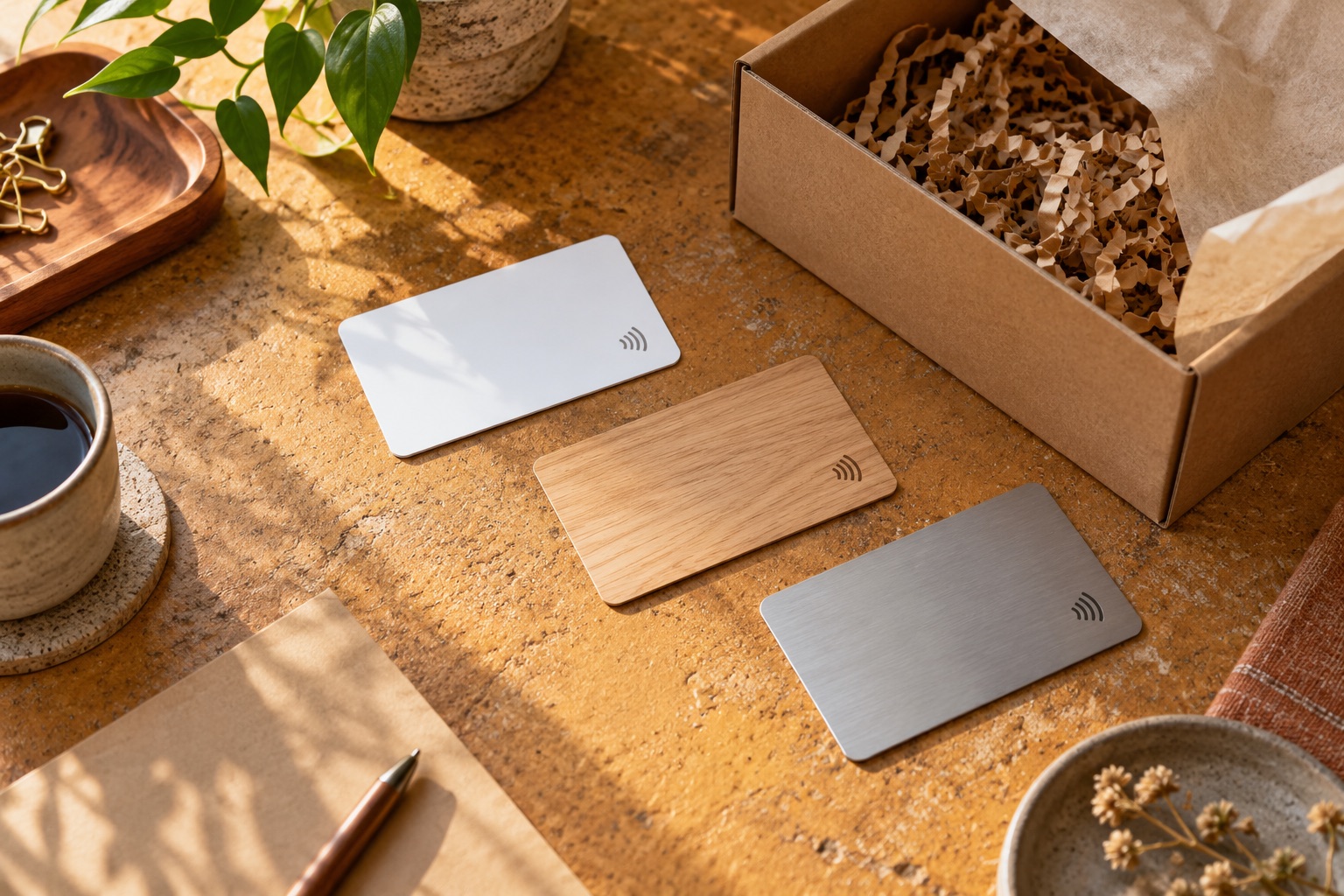
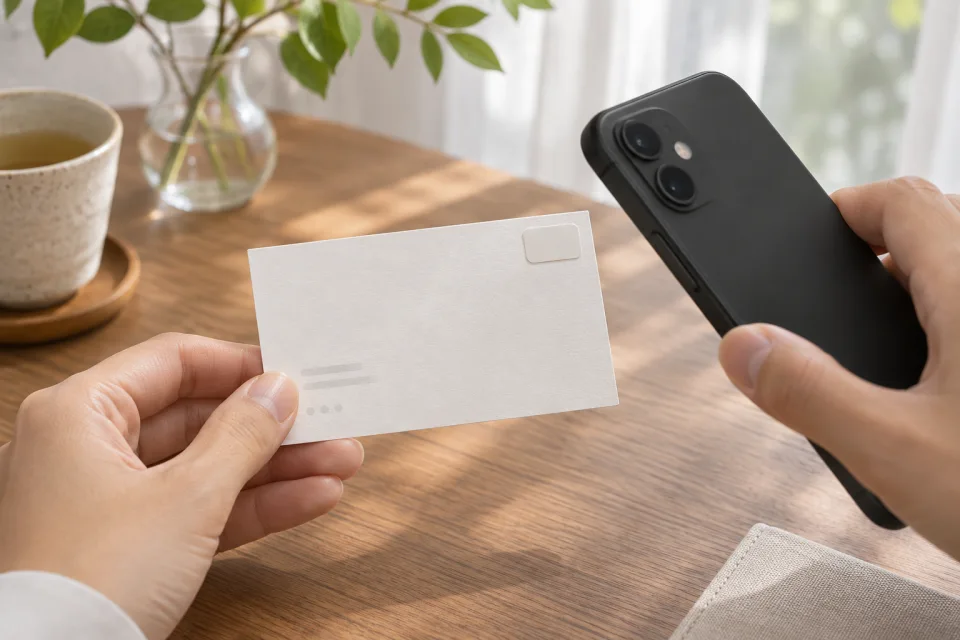
Write your public link to a compatible, rewritable NFC card or sticker. You can add a sticker to a paper business card and let others open the digital card with a tap.

Keep a draft on your phone. When you sign in and publish, recipients see the contact fields and confirmed languages you’ve chosen. Publish again to update your card.
NFC needs a compatible phone and a writable NDEF tag. Cards and stickers are optional and sold separately.
Put your work, portfolio and contact details on one card for clients, colleagues or new connections abroad.
Give staff a way to introduce themselves at trade shows, during meetings and when welcoming international visitors. Each person can publish their own card.
Ask about introducing Smamei with compatible NFC cards or stickers and sharing setup instructions with your customers.
Contact the Global teamThe iPhone app passed App Store review. Its public download link will appear here once it is available. The Android release is pending on Google Play. You can try a sample card in your browser today.
Smamei Global is a free app, with no subscriptions or in-app purchases.